
Table of Contents
Small businesses often lack the resources for robust cybersecurity measures. This makes them attractive targets for cybercriminals.
Implementing effective network security for business is essential. It protects sensitive data and ensures smooth operations.
This guide provides actionable steps to enhance your office network security. From strong passwords to secure file sharing options, we’ve got you covered.
Why Small Office Network Security Matters
A breach in small office network security can be devastating. Sensitive business data and client information could be compromised. Such incidents can damage trust and lead to financial losses.
Small businesses might underestimate their cyber vulnerability. However, without proper office network security, the risks multiply. Hackers often view small enterprises as easy targets. Thus, investing in small business cybersecurity is essential.
Consider the following benefits of a secure small business network:
- Protects confidential information from unauthorized access.
- Enhances client trust by safeguarding their data.
- Minimizes risks of business disruption due to cyber attacks.
Strengthening network security for business ensures long-term success and stability.
Step 1: Cybersecurity Awareness Training
Your cybersecurity set up can be perfect but if your employee clicks one bad link from a phishing email and your whole company has been compromised, breached or worse. Employees are your first line of defense. According to Keepnet Labs’ 2024 research cybersecurity awareness training can reduce the overall risk of data breaches by up to 70%.
And if that wasn’t enough to convince you, Fortinet’s 2024 Security Awareness and Training Global Research Report found that 89% of organizations saw measurable improvement in their security posture after implementing cybersecurity awareness training.
It may seem simple but its make a HUGE difference in your overall security posture.
Consider these training tips:
- Conduct quarterly cybersecurity workshops.
- Share informative resources and updates.
- Promote a culture of vigilance.
By empowering your employees with knowledge, you significantly reduce vulnerabilities in your office’s cybersecurity framework.
Step 2: Install and Maintain Firewalls
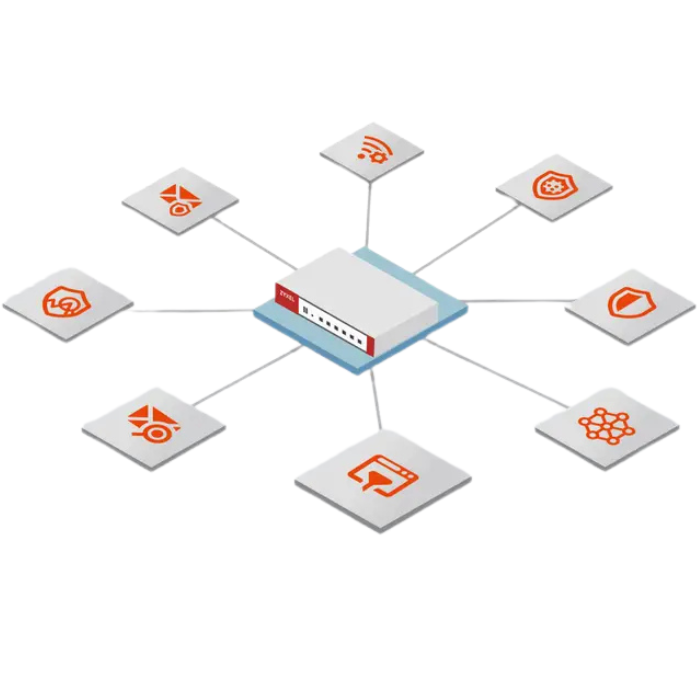
Firewalls are crucial for keeping unwanted traffic out of your network. They act as barriers, shielding your internal data from external threats. A robust firewall setup is essential for all businesses, big or small.
Regular updates and monitoring of firewall settings enhance their effectiveness. It’s important that your firewall configurations match your current security needs.
Key actions include:
- Install firewalls at both network and device levels.
- Schedule regular rule updates to adapt to new threats.
- Monitor firewall activity logs for suspicious access attempts.
These steps ensure your small business network remains secure and protected.
Step 3: Keep Software and Devices Updated
Outdated software and devices are open invitations for cyber threats. Regular updates patch known vulnerabilities, keeping your network secure. Ignoring updates can lead to severe breaches and data loss.
Ensure that every device within your network is current with its software. Automate updates where possible to simplify the process. Reliable technology management involves a consistent updating routine.
Key strategies include:
- Enable automatic updates on all devices.
- Regularly check for and install pending patches.
- Educate employees about the importance of updates.
By keeping everything updated, you protect against potential network threats and maintain operational security.
Step 4: Enable Multi-Factor Authentication (MFA)
Multi-Factor Authentication (MFA) adds a crucial security layer beyond passwords. It requires users to provide additional verification steps, making unauthorized access difficult. By implementing MFA, your network gains an added defense mechanism.
Encourage your team to utilize MFA wherever possible. Doing so will significantly enhance protection against unauthorized breaches. The added steps are minor, but the security benefits are significant.
Implement these MFA strategies:
- Enable MFA on all email accounts.
- Use apps like Microsoft or Google Authenticator for verification.
- Regularly update authentication methods.
Incorporating MFA can greatly reduce security risks and help secure your business network effectively.
Step 5: Strengthen Passwords
Even the best security tools can be undermined by weak, reused, or shared passwords. That’s why strong password rules must go hand-in-hand with ongoing cybersecurity awareness training.
Here is an outline on how to set clear password standards that employees can actually follow:
- Use a mix of letters, numbers, and symbols, for example: ILov3B@rb3que2!
- Change passwords every three months.
- Avoid using easily guessed passwords like “123456”,”password”, or your name.
- Never reuse passwords across work systems.
- Use a password manager to generate and store unique passwords.
- Eliminate shared logins and give each employee their own account.
When employees understand why password rules matter and how attacks happen, your small office network becomes much harder to breach.
Step 6: Use Protect Your Endpoints
Endpoints, like computers and smartphones, are common entry points for threats. Employing robust endpoint protection strategies is vital in maintaining a secure office network. Antivirus and anti-malware tools can significantly minimize risks.
Choose a comprehensive endpoint protection solution that offers real-time threat detection. Ensure it includes features like device management and remote monitoring. Regularly updating these tools is critical for effectiveness.
Consider implementing these measures:
- Install reputable antivirus software.
- Conduct regular scans and updates.
- Manage device access and usage policies.
Effective endpoint protection safeguards your office devices, preventing potential breaches and ensuring uninterrupted business operations.
Step 7: Secure File Sharing Options
Safeguarding your sensitive files during sharing is crucial. Encrypted file sharing protects data and ensure only authorized users can access it. Choosing the right tools can help you maintain data confidentiality.
Look for services that provide end-to-end encryption and user access controls. Always verify user permissions and conduct regular access reviews.
Consider these secure file sharing practices:
- Use encrypted cloud services.
- Regularly review user permissions.
- Implement strong access controls.
Implementing secure file sharing options is essential. It protects vital business information from unauthorized access and potential breaches.
Step 8: Segment Your Network
Network segmentation involves dividing your network into isolated sections. This limits malware spread and enhances security. It’s a practical step for protecting critical data and systems.
By segmenting your network, you manage traffic flow and minimize risks. It ensures sensitive areas receive additional protection and monitoring.
Effective network segmentation may include:
- Creating separate networks for guests and internal users.
- Isolating critical systems.
- Restricting access based on roles.
Properly segmenting your network enhances security. It allows you to control access and quickly identify vulnerabilities.
Step 9: Implement Secure Remote Access (VPN)
A Virtual Private Network (VPN) encrypts remote connections to your office network. It secures data transfer for employees working remotely, ensuring privacy and safety.
Implementing a VPN involves choosing reliable software. It should offer strong encryption and ease of use for your team.
Factors to consider when selecting a VPN:
- Encryption strength
- User-friendly interface
- Compatibility with devices
Using a VPN safeguards sensitive data. It protects against interception while boosting confidence in remote work environments.
Step 10: Regularly Audit and Monitor Your Network
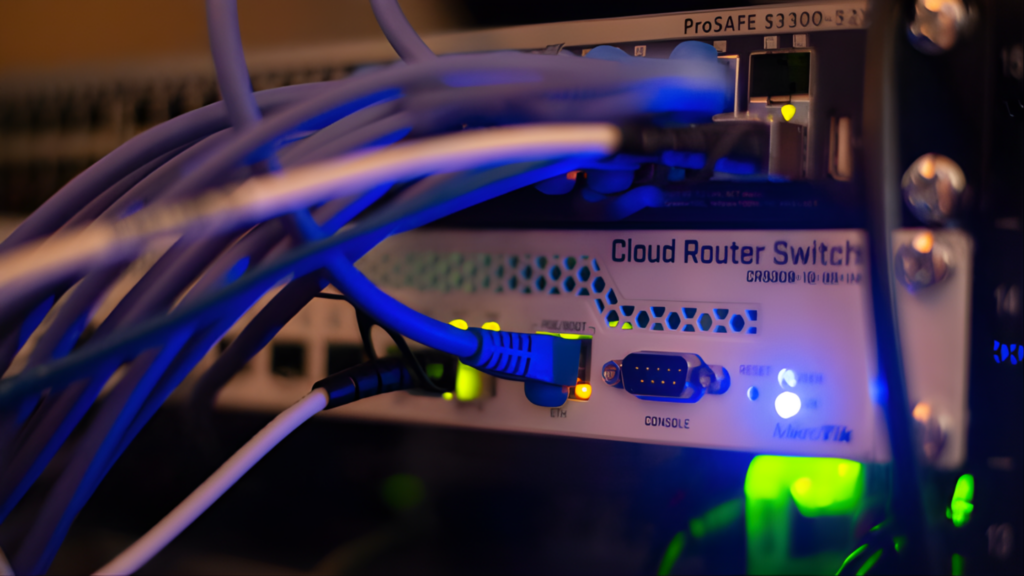
Regular audits are essential to identify vulnerabilities within your network. They help ensure compliance with security policies and reveal potential threats.
Set up dark web monitoring and network traffic alerts you so you can quickly identify unusual activities. This proactive approach allows you to respond swiftly to potential intrusions or breaches.
Key activities in network monitoring and auditing include:
- Analyzing logs for irregular patterns
- Checking firewall configurations
- Reviewing access permissions
These practices maintain robust office network security, keeping your small business protected.
Bonus Tips: Physical Security and Data Backups
Don’t overlook physical security and data backups in your strategy. Protect your network hardware and ensure backups are regular and secure.
Key considerations include:
- Locking server rooms
- Using surveillance cameras
- Implementing off-site and cloud backups
These steps safeguard against physical theft and data loss, bolstering overall security.
Stay proactive and regularly review your network security measures. This ongoing commitment is key to protecting your business from evolving cybersecurity challenges.
How to get started
The steps outlined in this guide will significantly reduce your risk of a security breach, but it’s important to remember that no business is completely unbreachable.
Begin by conducting an assessment of your current office security environment and identifying which protections you already have in place. From there, start with the essentials—such as enabling MFA and implementing strong password policies—and continue building your security posture step by step.
Ready to take the next step?
You don’t have to do it alone though, RSI’s SMB cybersecurity solutions can help you strengthen your defenses without the headache. Schedule a quick consultation with our security experts. We’ll assess your current environment and take care of the rest.
Copyright © 2025 Renaissance Systems, Inc.
All rights reserved. | Privacy
Contact Information
Phone: (512) 600-3200
24/7 Support: (512) 334-3334
Austin HQ
9430 Research Blvd
Echelon Building II, Suite 300
Austin, TX 78759
Hours
Monday – Friday
8am – 5pm Central
Saturday – Sunday
Closed
(24/7 Support Available)
- Company
- Services
- Resources
- Contact Us
- Blog
Sign up for Renaissance Systems, Inc. Promotions
Address
Renaissance Systems, Inc.
Phone: (512) 600-3200
24/7 Support: (512) 334-3334
Opening Hours
Mon – Fri: 7am – 6pm
Central Time
Headquarters – Austin, TX
11149 Research Blvd., Suite 365
Austin, TX 78759
Operations – Mexia, TX
107 E Commerce Street
Mexia, TX 76667
Phone: (254) 230 – 4144